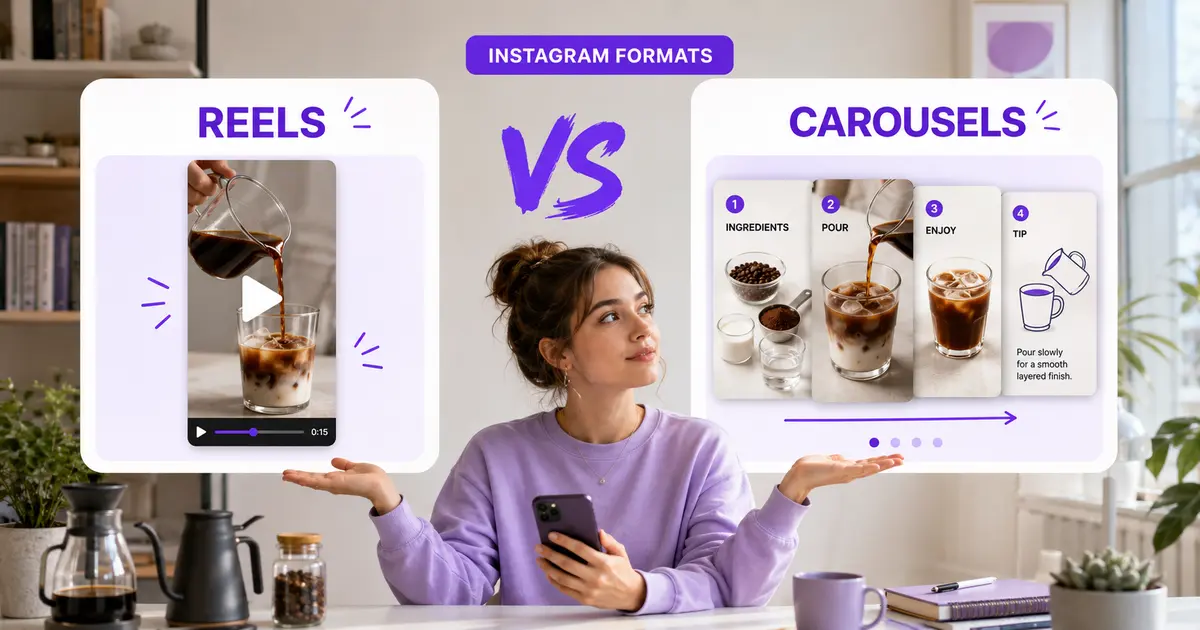
Use a Reel when the idea depends on movement, voice, demonstration or personality. Use a carousel when the idea is easier to understand as a sequence of examples, steps or comparisons. Neither format is an automatic winner, and Instagram doesn’t publish a universal rule saying one will always produce more reach, engagement or followers.
That’s the short answer. The more useful question is whether the format makes the idea easier to consume—and whether you can produce it well enough to test consistently.
Is a Reel or carousel better on Instagram?
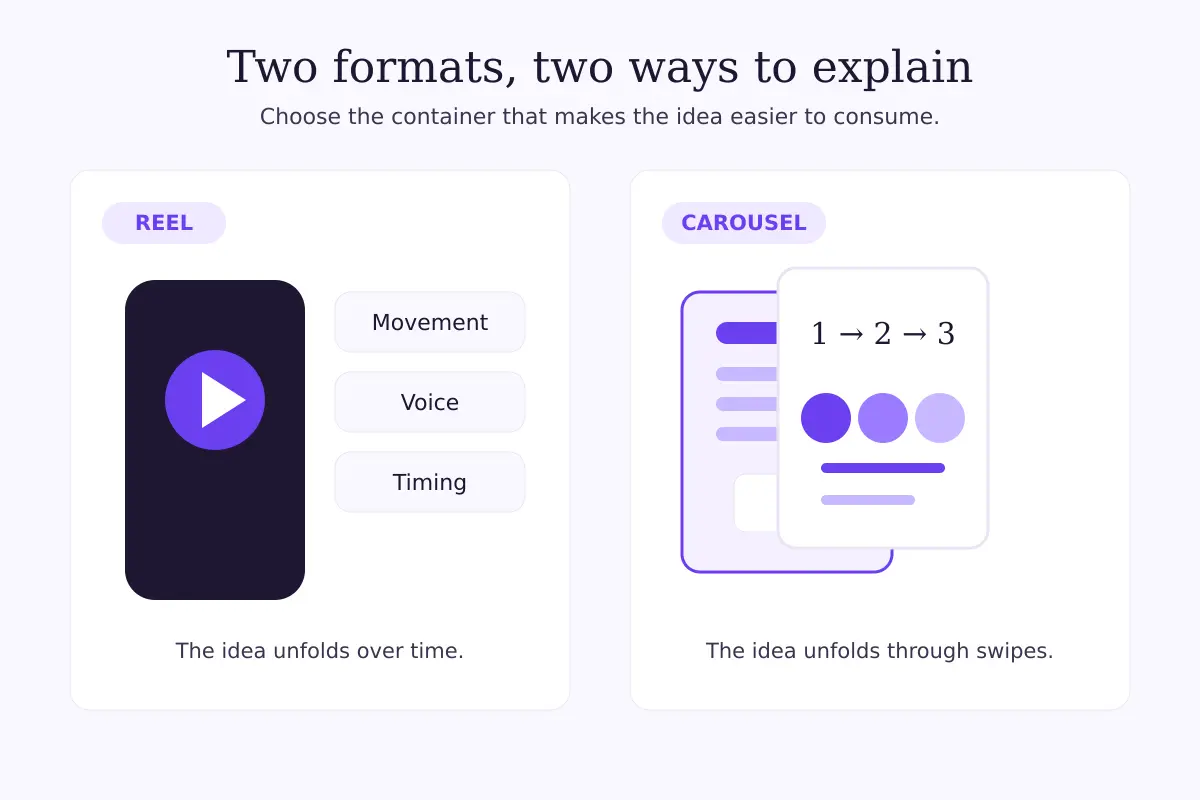
Neither is better for every account. Reels are short videos and can appear in places such as Feed, the Reels viewer and Explore. Carousels are single Feed posts containing multiple photos or videos; Instagram currently allows up to 20 items in one post.
Those are different containers, not two versions of the same post. A Reel unfolds over time. A carousel unfolds through swipes. The right choice starts with how the idea works, not with a blanket claim about “the algorithm.”
| Decision factor | Reel | Carousel |
|---|---|---|
| The idea needs | Motion, voice, timing or a demonstration | Order, comparison, detail or reference value |
| Audience action | Watch, replay, share or visit the profile | Swipe, save, share or revisit |
| Main production work | Filming, audio, pacing and editing | Writing, slide order and visual hierarchy |
| Useful review signals | Views, watch behaviour, shares and profile activity | Views, saves, shares, comments and profile activity |
| Common weak point | A slow opening or unclear payoff | A vague first slide or repetitive middle |
The table describes the formats’ practical differences. It isn’t a performance guarantee or a benchmark for your account.
When should you choose an Instagram Reel?
Choose a Reel when seeing or hearing something is part of the value. A physical demonstration, a reaction, a before-and-after sequence, a spoken explanation or a behind-the-scenes moment can lose energy when reduced to static slides.
Reels also suit ideas where pace matters. You can reveal a result, show a process in motion or let a person’s delivery carry the message. Instagram’s Reels help guidance describes the format as short video created from recorded footage, photos or clips from your camera roll.
That doesn’t mean every idea needs a fast edit or trending audio. A calm talking-head explanation can be the right Reel if the speaker’s tone and emphasis make the point clearer than text alone.
A Reel is a sensible first choice when:
- the proof is visual and happens over time;
- a person’s voice or personality adds meaning;
- the viewer needs to see how something is done;
- you already have usable footage;
- the idea can deliver a clear opening and payoff without being compressed beyond recognition.
If editing time is the main obstacle, Instagram’s new First Draft feature for Reels may help some iPhone users assemble a reversible rough cut. It doesn’t guarantee a better-performing Reel, and availability is still rolling out.
When should you choose an Instagram carousel?
Choose a carousel when the reader benefits from controlling the pace. Checklists, numbered steps, visual breakdowns, product details, myths versus facts and side-by-side comparisons often work naturally as swipeable cards.
Instagram’s official carousel instructions say one Feed post can contain up to 20 photos and videos. You don’t need to use all 20. The strongest version is usually as long as the idea requires and no longer.
A carousel is a sensible first choice when:
- the audience may want to pause on a detail;
- the information has a clear sequence;
- one example needs to be compared with another;
- the post should remain useful as a reference;
- strong writing and layout are more realistic for you than filming.
Don’t treat a carousel as a document dump. Slide one still needs a clear promise, and every following slide should advance it. If three slides repeat the same point in slightly different words, the problem isn’t Instagram—it’s the edit.
How do you match the format to the idea?
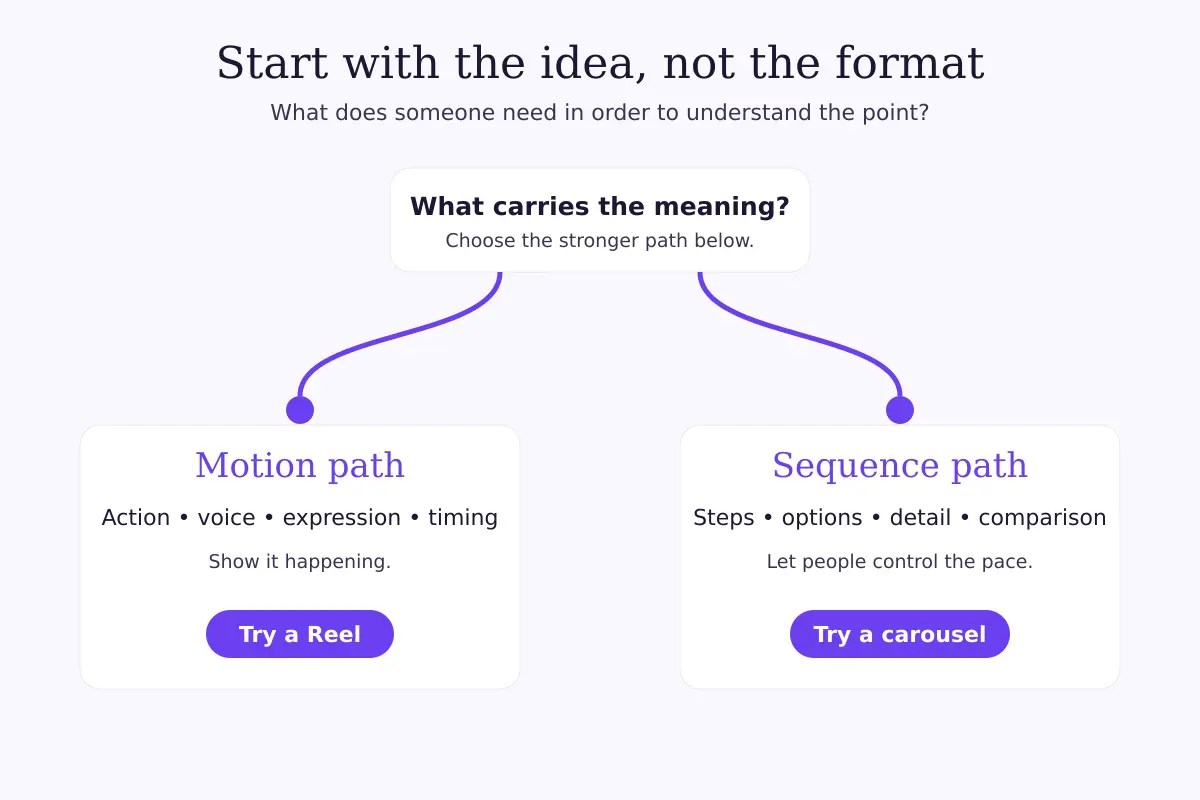
Start with the raw material. If the useful part is an action, sound, expression or transformation, lean toward a Reel. If it’s a framework, sequence, set of choices or close reading, lean toward a carousel.
Then ask three questions:
- What must the audience see, hear or read to understand the point?
- Which format can deliver that without unnecessary production?
- What response would tell you the post did its job?
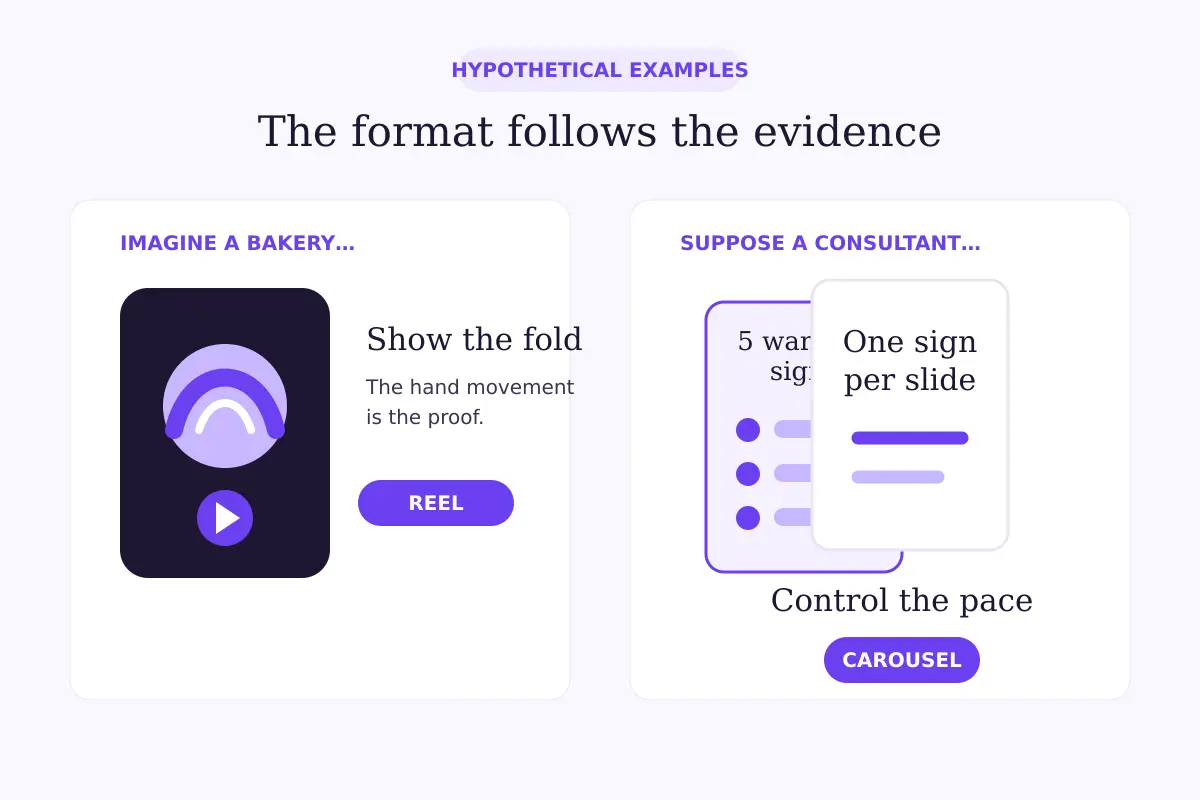
Here’s a hypothetical example. Imagine a bakery wants to show why folding dough gently changes the final texture. The movement of the hands is the evidence, so a short Reel is likely the clearer container. The bakery could still make a carousel later, but the carousel would need close-up stages and concise explanations rather than stills pulled at random.
Now suppose a consultant wants to explain five warning signs in a confusing contract. That’s another hypothetical scenario. A carousel lets the reader move through one sign at a time and return to a specific slide. A Reel could work if the consultant’s spoken explanation is the main value, but video isn’t automatically the better choice simply because it moves.
Can one idea become both a Reel and a carousel?
Yes, but the second format should be adapted rather than copied. A useful Reel can become a carousel that slows down the reasoning. A useful carousel can become a Reel that demonstrates one part of the framework.
For example, the hypothetical bakery could publish the folding demonstration as a Reel, then create a carousel explaining four common dough-handling mistakes with still frames and short notes. The promise is related, but the experience is different.
Repurposing works best when each version has its own job. Posting the same sentences as on-screen Reel text and carousel slides rarely teaches you much about the formats because neither version was designed for its container.
How should you compare Reels and carousels fairly?
Compare several posts with similar topics, goals and date windows. One Reel and one carousel aren’t enough to declare a winner, especially if one had a stronger idea, better opening or larger distribution push.
Before publishing, give each post one primary job. For discovery, review unique audience exposure and profile activity. For practical education, saves and shares may matter more. For conversation, inspect comments and replies. The 20-minute Instagram Insights audit explains how to keep the date window and metric definitions consistent.
Use a small test record:
| Field | What to write down |
|---|---|
| Content promise | The specific question or problem addressed |
| Format | Reel or carousel |
| Primary job | Discovery, explanation, reference or conversation |
| Comparable window | The same number of days after posting |
| Primary signal | The metric tied to the post’s job |
| Quality note | Hook, pacing, slide clarity or production issue |
| Next change | One variable to test next time |
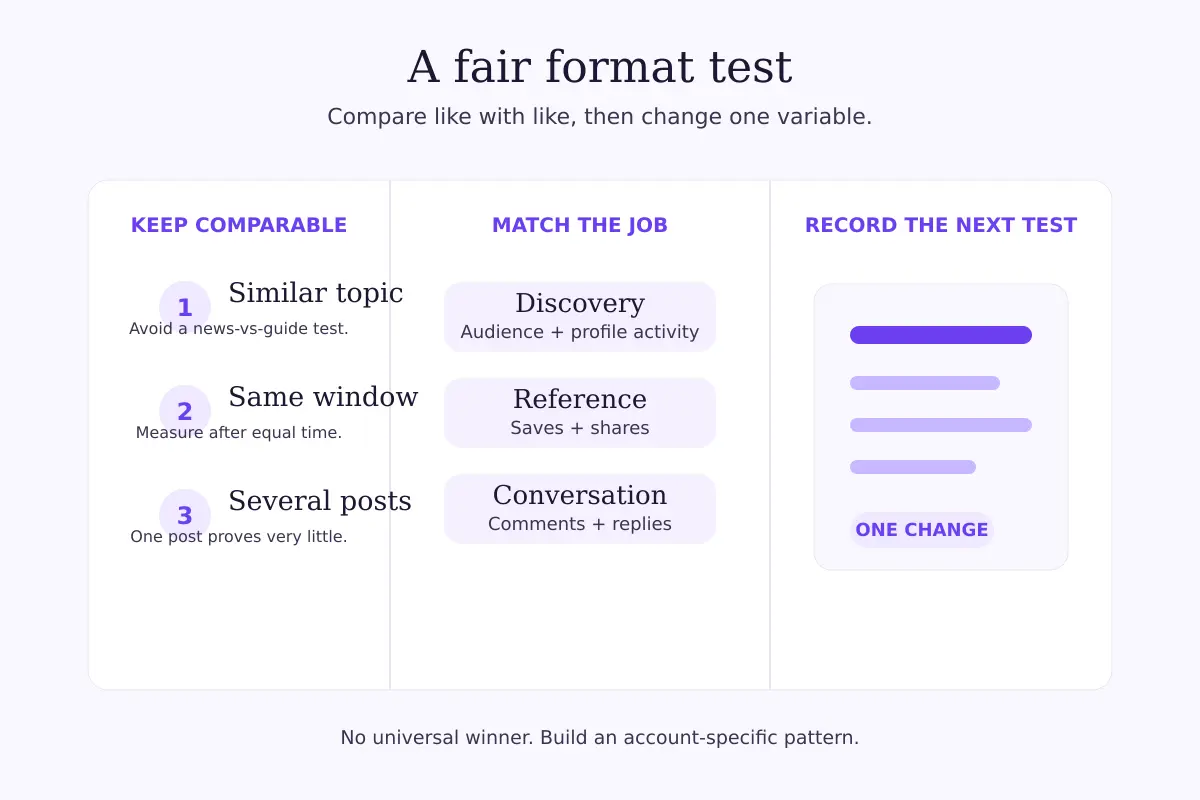
Instagram provides separate Insights for posts and Reels. Read the definition shown in the app because labels and available metrics can change. Some Instagram Insights are estimated, so look for patterns across comparable content rather than false precision.
What mistakes make the comparison misleading?
The first is comparing unlike topics. A timely Reel about a breaking change and an evergreen carousel about a routine checklist weren’t given the same opportunity.
The second is judging every post by views. Views tell you about exposure or playback, not whether the content achieved its intended response. If a Reel attracts views without meaningful profile activity, use the Reels view-to-follow diagnostic to inspect that handoff separately.
The third is ignoring recommendation eligibility. Content may be eligible to appear to non-followers without being guaranteed distribution. If reach changes sharply, check what “eligible for recommendation” means before blaming the format.
The fourth is overproducing one format. A Reel that takes six hours but can only be published once a month may be less useful to your workflow than a simpler series you can learn from. The same applies to elaborate carousels that exhaust the team before the next post exists.
Where does FastSocialz fit?
Format selection and distribution support are separate decisions. The FastSocialz Instagram Growth service can support discovery around an active profile, but it can’t guarantee followers, reach, engagement, ranking or sales. It also can’t replace clear ideas, sound creative judgment or a consistent measurement process.
The practical takeaway
Don’t ask which format Instagram likes more. Ask which format makes this particular idea easier to understand, then judge it by the response the post was designed to earn.
If the answer depends on motion, voice or timing, start with a Reel. If it depends on order, detail or comparison, start with a carousel. When either could work, choose the one you can execute cleanly, test it across several comparable posts and let your own Insights refine the decision.
Official sources
Structured support, no account access
Where a growth service fits on Instagram
Content and profile conversion come first, and no service changes that. A growth service cannot repair a vague bio, an audience that was never yours, or a post that gives viewers no reason to follow.
What it can do is handle the part most people never get around to: putting your profile in front of the right audience, consistently, while you concentrate on the content. FastSocialz builds campaigns by hand and runs them from your public profile link, so it never asks for your Instagram password and never logs in as you.
Explore Instagram Growth →No growth service can promise that a given number of views will produce a given number of followers.Questions, answered plainly
Frequently asked questions
Do Reels always get more reach than carousels?
No. Instagram does not publish a rule guaranteeing that every Reel will reach more accounts than every carousel. Results vary by account, audience, idea, execution and distribution context.
Are carousels better for engagement?
They can encourage swiping, saving and sharing when the information suits that behaviour, but carousels do not universally win engagement. Compare similar posts using the same metric definition and date window.
Should a small account post only Reels?
No. Account size alone does not determine the right format. Use Reels when motion or delivery improves the idea, and carousels when sequence or reference value makes the idea easier to use.
How many slides should an Instagram carousel have?
Instagram currently permits up to 20 photos or videos in one carousel. Use only the number needed to complete the idea clearly; the maximum is not a target.
Can a carousel include video?
Yes. Instagram's help documentation says a multi-item Feed post can include photos and videos. A mixed carousel can help when a short motion example needs supporting context.
Keep reading
Related guides

How to Add Chapters to YouTube Videos
A practical guide to planning, formatting, publishing, and checking YouTube chapters without turning your description into a mess.
YouTube Impressions Up but CTR Down? 7 Checks Before You Change Your Thumbnail
A falling click-through rate is not automatically bad when YouTube is showing your video to more people. Use these seven checks before changing the thumbnail.
YouTube Dynamic Thumbnails vs A/B Testing: What Creators Should Know
YouTube has announced dynamic thumbnails and video-cut testing, but its existing A/B tool works differently. Here is what each option tests and what creators can do now.