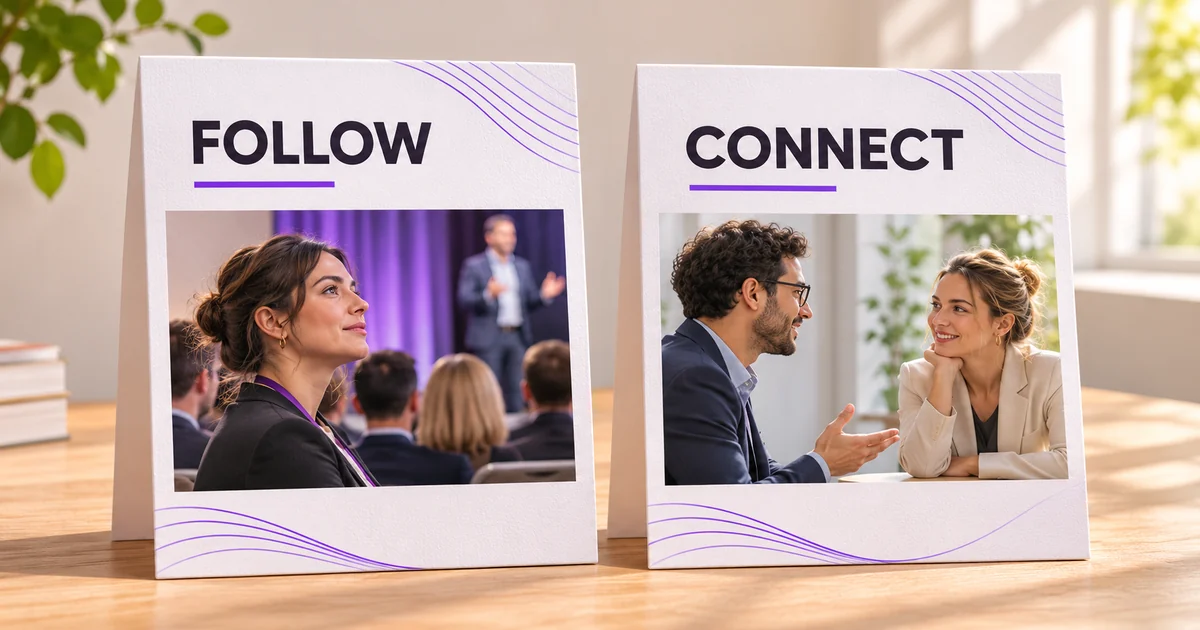
You find someone whose work interests you. Their profile offers Follow, Connect, or a menu that takes another click to understand. Which action actually fits what you want?
Start with the relationship, not the button. Following is useful when you want to learn from someone's public content. Connecting makes sense when there is a real professional relationship to maintain. Neither choice is a shortcut to trust.
This comparison covers personal profiles, not Company Pages or paid outreach products. Platform details were checked against LinkedIn's Help Center on 16 November 2026. The recommendations are editorial judgment based on those documented differences, not a test claiming that one action produces more reach.
The quick verdict
Use Follow when the person's ideas are the reason you're there. Consider Connect when you know the person and have a reason to stay in touch. LinkedIn's own follow-and-connect guidance asks members to invite people they know and trust.
A useful question is: could you explain the relationship without mentioning their follower count, job title or possible value as a lead? If you can't, spend time understanding their work before deciding that a connection invitation is appropriate.
You don't need a single rule for every profile. A colleague, a researcher you read and a person you briefly encountered at an event represent different situations. Treating them all as names to add makes the decision less useful.
What matters when choosing
Consider three things: your existing relationship, your purpose and the amount of attention you can give the resulting interaction. These criteria are more practical than trying to maximise one public number.
An existing relationship gives an invitation context. A clear purpose keeps your next action proportionate. Available attention matters because collecting contacts you never recognise or respond to doesn't create a useful professional network by itself.
Be honest about the purpose. Wanting to read someone's research is a perfectly good reason to follow. It doesn't need to be disguised as a proposal to collaborate. Likewise, reconnecting with a former teammate doesn't require an elaborate content strategy.
Follow and Connect compared
| Decision | Follow | Connect |
|---|---|---|
| Main purpose | Keep up with public content | Maintain a mutual professional relationship |
| Relationship created | One-way following | First-degree connection after acceptance |
| Invitation needed | No connection invitation | An invitation must be accepted |
| Direct messaging | Following alone doesn't create a first-degree messaging relationship | First-degree connections can message each other directly |
| Sensible starting point | Someone whose work you want to read | Someone you know and trust |
The comparison describes the relationship each action creates. It isn't a promise that every post will be shown, every invitation accepted or every message answered. Messaging options outside first-degree connections can depend on other LinkedIn features; this article doesn't treat Follow as a messaging product.
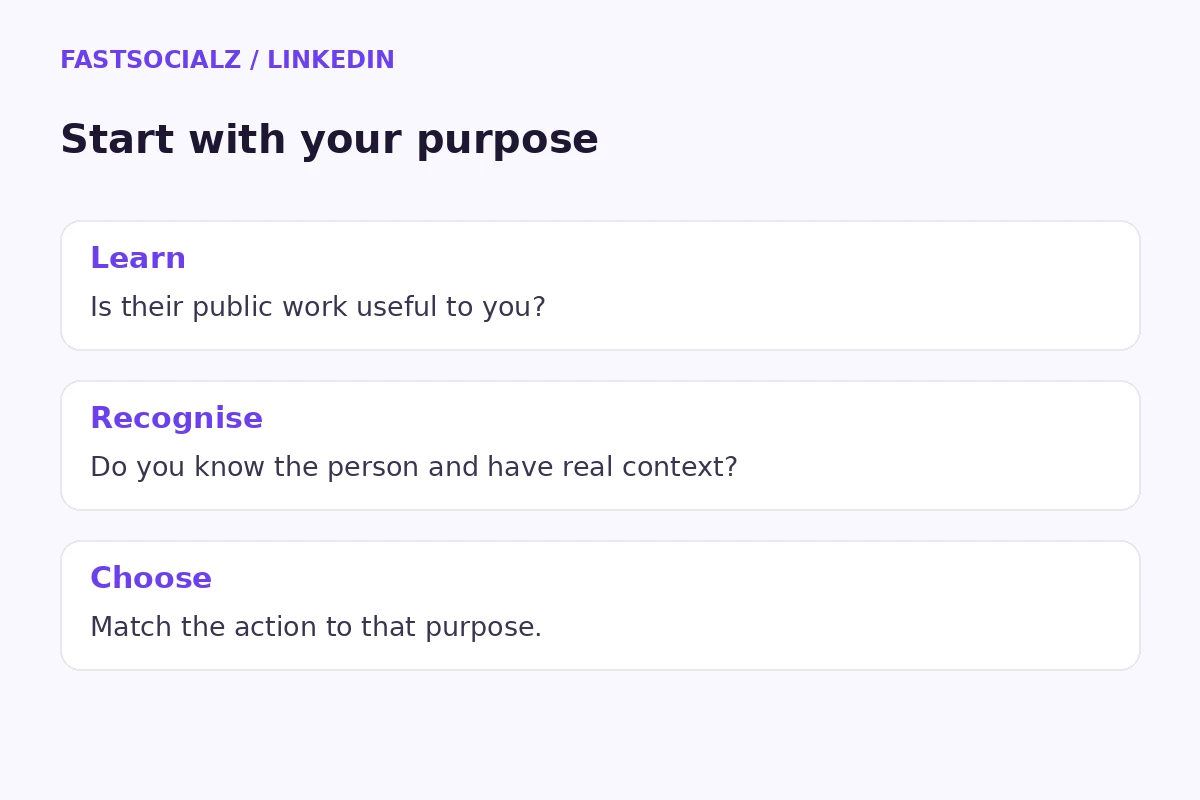
Following: choose the ideas you want to hear
Following works well as a reading decision. You can be interested in a person's explanations without having met them or needing their attention. That makes it a useful option when you're exploring an unfamiliar field and still learning its language.
In an explicitly hypothetical scenario, a product designer is learning about accessibility research. She finds a specialist who explains testing decisions clearly. Her immediate task is to read, compare ideas and improve her understanding. She doesn't need to pitch a meeting just to justify being interested.
The editorial benefit is focus. Instead of asking how to turn every interesting person into a contact, ask what you hope to learn from their work. After reading several posts, you might discover that the subject is valuable, that it isn't relevant, or that you have a specific question worth contributing.
A thoughtful public comment should add something to the discussion. Explain which distinction helped, ask a question the post genuinely leaves open, or offer relevant context you can support. A generic compliment posted only to attract attention doesn't help the next reader.
Where following has limits
Following isn't an introduction, a recommendation or evidence that the other person knows you. Avoid treating it as permission to imply a relationship in your own biography or sales material.
It also doesn't remove the work of choosing good sources. A polished profile can still publish advice outside its expertise. Read the substance, check important claims and notice whether the person explains uncertainty. Your feed is more useful when you choose sources for their work rather than their presentation alone.
If your own content needs clearer substance, our LinkedIn posts-versus-articles comparison addresses a different question: which format suits the idea you want to publish. Choosing a relationship action and choosing a content format are separate decisions.
Connecting: give the invitation a real context
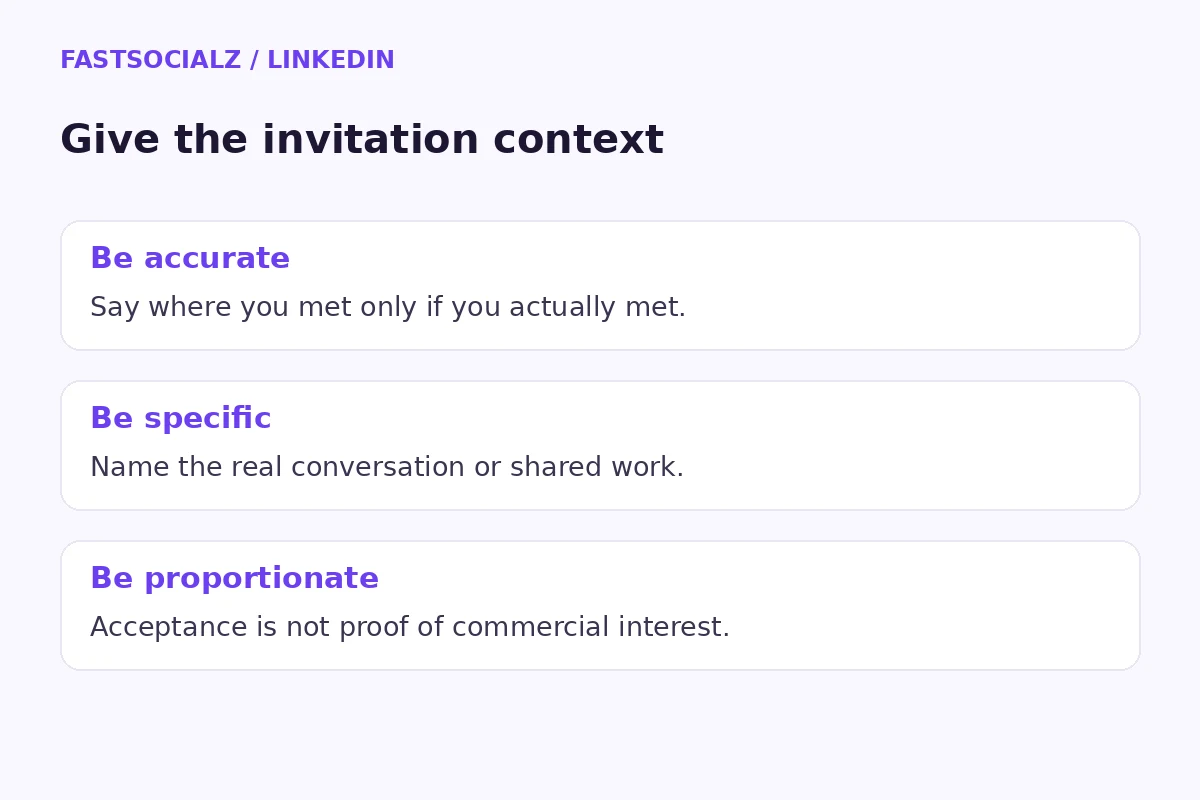
A connection invitation is easier to understand when the recipient can place you. That context might be a shared project, an earlier working relationship or a conversation you both remember. You shouldn't have to invent familiarity to make the invitation sound plausible.
Consider another explicitly hypothetical scenario. Two operations managers discuss supplier onboarding at a workshop. One later sends an invitation explaining where they met and the topic they discussed. The message helps the recipient recognise the interaction; it doesn't pretend that a brief conversation established a business partnership.
If a note is available, make it specific and brief. A hypothetical note could read: “We spoke after the workshop about onboarding checklists. I enjoyed comparing approaches and would be glad to stay in touch.” Use your own real details, and only say you met when you actually did.
The recipient still gets to decide. A useful network has boundaries on both sides, and an unanswered invitation doesn't tell you why someone hasn't responded. Don't turn that uncertainty into a story about their motives.
What to do after acceptance
Acceptance is the beginning of a connection, not proof of commercial interest. If there was a concrete next step in your earlier conversation, follow through on that step. Send the resource you promised or clarify the question you agreed to discuss.
If there wasn't a next step, you don't need to manufacture one immediately. A relevant exchange later can be more natural than a sudden sales pitch. Let the relationship have the scope it actually has.
For teams, it helps to distinguish a professional contact from an active opportunity in your own records. Those labels should reflect conversations and consent, not simply the existence of a connection. This is a planning recommendation, not a claim about a LinkedIn reporting feature.
Why a profile may show Follow first
A visible Follow button doesn't necessarily mean connecting is impossible. LinkedIn documents a connection route for profiles that show Follow: open the profile's More menu and look for Connect. Some profiles can require the person's email address before an invitation can be sent.
Use the options the profile actually provides. Don't guess an email address or look for a workaround to a member's preference. If you don't have the information or relationship needed, following their public work may be the appropriate choice.
LinkedIn also explains that sending an invitation to a profile whose main action is Follow starts following that person while the invitation is pending. The two actions can therefore overlap; they aren't always mutually exclusive categories.
That overlap is one reason to avoid interpreting a count as a clean list of separate people. Before comparing dashboard figures, check what each figure represents. Our LinkedIn analytics guide explains how to compare reporting scopes without jumping to conclusions.
Unfollowing and disconnecting are different decisions
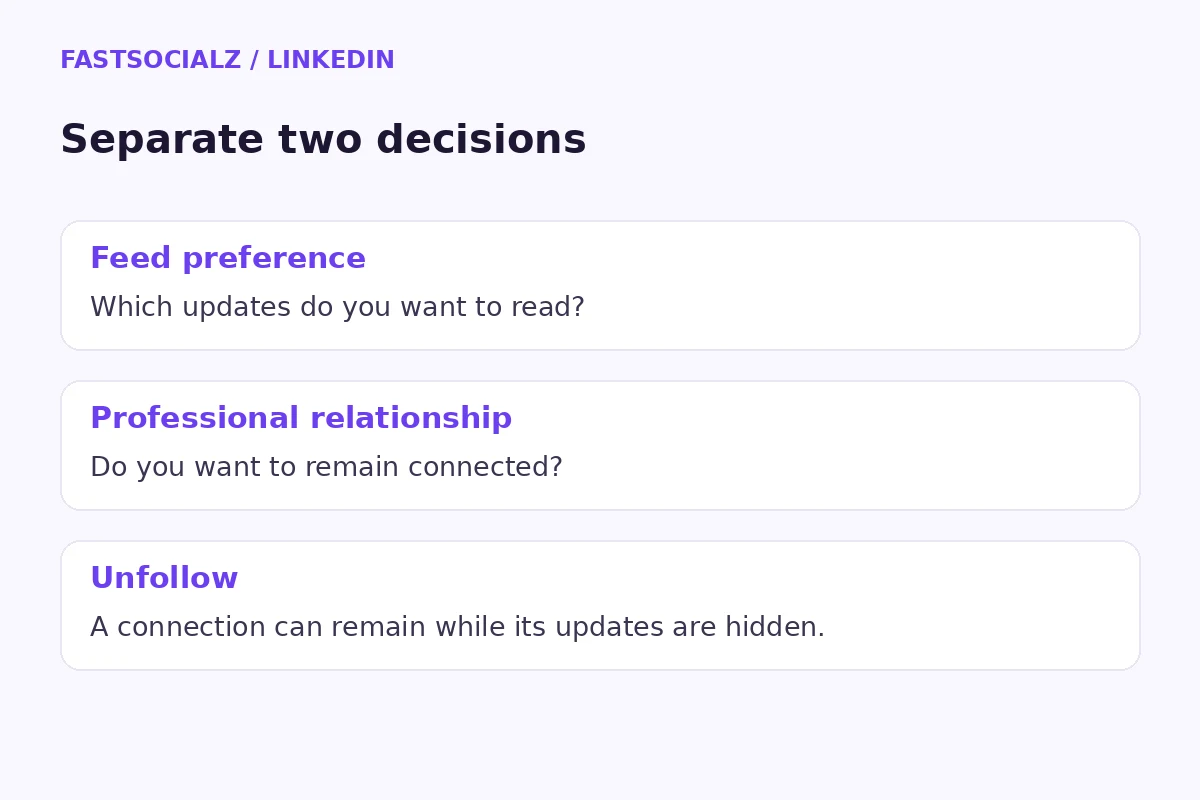
Sometimes the relationship is fine but the content isn't useful to you. LinkedIn's unfollow guidance says you can unfollow a connection and remain connected. It also says the person isn't notified when you unfollow, although following them again generates a notification.
That gives you a way to separate feed preferences from professional relationships. You don't need to interpret every change in what you read as a judgment about the person behind it.
For an explicitly hypothetical example, a former colleague starts posting mostly about a topic outside your work. You still value the relationship, but you don't want those updates in your feed. Reviewing the follow setting addresses the reading preference without pretending the professional history has disappeared.
Take a moment to identify the actual problem before changing anything. Is it irrelevant content, an unwanted interaction or a relationship you no longer want? Those are different concerns. This article covers the first distinction; it isn't a substitute for reviewing LinkedIn's safety controls when someone behaves inappropriately.
Common mistakes that make the choice harder
The first mistake is treating either button as an endorsement. A follow or connection doesn't tell you whether someone has used a service, reviewed an argument or approved a public claim. Keep those meanings separate in your own marketing too.
Another mistake is writing the invitation before deciding why you're sending it. That usually produces vague language about “synergy” or “expanding my network.” Start with the real context. If there isn't one, a better sentence won't create it.
A third mistake is confusing a bigger audience with a better conversation. Size can be relevant to some goals, but it doesn't establish relevance, willingness to engage or a shared interest. Define what a useful interaction would look like before judging your progress.
Finally, don't build a strategy around a supposed algorithm advantage that you can't verify. This comparison doesn't establish that choosing one button improves ranking or distribution. The defensible difference is the relationship and access involved, not a universal performance bonus.
A practical decision sequence
First, identify the person and your real connection to them. Then decide whether your immediate purpose is reading their work or maintaining a relationship. Choose the available action that matches that purpose, and keep any accompanying message accurate.
Afterwards, review the quality of the experience. Are the ideas useful? Are you following through on genuine conversations? Have your interests changed? A short review of those questions can be more helpful than repeatedly checking a count.
FastSocialz editorial note: Keep a small, private list of the professional topics you want to learn about. Use it to guide your reading choices. Don't turn the list into a quota of people you must contact.
For creators, the other side of this decision is giving people something worth reading. A focused LinkedIn newsletter may suit a recurring subject; it still needs a clear purpose and useful editions.
If you're reviewing your wider professional presence, you can explore FastSocialz's LinkedIn growth service. Treat that as a separate commercial choice. It doesn't replace relevant work, genuine relationships or thoughtful communication, and no business outcome is promised here.
Frequently asked questions
Should I follow everyone I want to connect with?
You don't need a blanket rule. Decide whether their content interests you and whether you have a real professional reason to connect. Those can be separate decisions.
Does Follow mean the person follows me back?
No. Following doesn't create a mutual connection or automatically make the other person follow your content.
Can I connect when Follow is the main button?
LinkedIn documents a Connect option in the profile's More menu. Available prompts can vary, including an email requirement for some members. Respect the options shown.
Can I unfollow someone without removing the connection?
Yes. LinkedIn says you can unfollow a connection while remaining connected. That changes the content you see rather than ending the connection.
Sources and final recommendation
This is a criteria-based comparison using LinkedIn's linked Help Center pages, checked on 16 November 2026. The examples are hypothetical. No campaign experiment, account-performance test or universal benchmark was used.
Follow for the work you want to learn from. Connect where a real relationship makes staying in touch sensible. The useful question isn't which button looks more ambitious; it's which action honestly matches why you're there.
Written by the FastSocialz Editorial Team.