You have something useful to explain. The draft starts as a few paragraphs, grows into a page, and leaves you wondering whether to cut it down or open LinkedIn’s article editor.
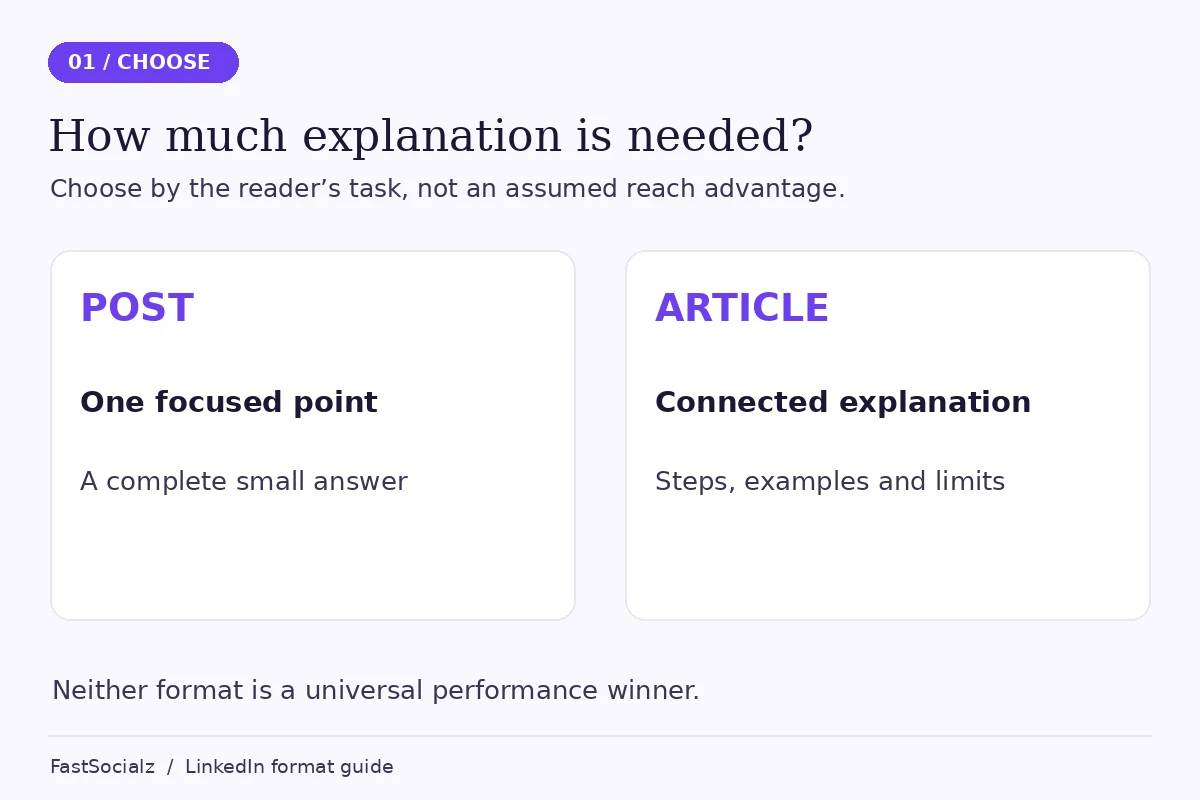
That decision is easier when you start with the reader’s task. A post suits one focused observation or question. An article gives you room to explain a process, compare alternatives and keep the supporting detail together. Neither format earns attention simply because you selected it.
This is a criteria-based editorial comparison, not a performance test. We checked LinkedIn’s documentation on 13 November 2026. The recommendations below concern clarity, preparation and the job each piece needs to do; they don’t predict reach or leads.
The quick verdict
Choose a post when the useful point stands on its own in a short piece. Choose an article when removing the supporting explanation would make the advice incomplete. Use both when a concise observation can introduce a genuinely useful longer resource.
Don’t turn every post into an article just to look thorough. Equally, don’t compress a complicated decision until the exceptions disappear. The right length is the space your reader needs to understand and use the idea.
Start with these selection criteria
Before you compare formats, write down who the piece is for and what that person should be able to do after reading it. “Build my personal brand” describes your aim. “Help a first-time team lead prepare a useful project handover” describes a reader’s task.
Then ask three questions. Does the explanation need several stages? Does it depend on an example or an important exception? Will someone need to refer back to the whole explanation later?
Those questions are more useful than choosing a format because another account appears to do well with it. You can see that account’s public content; you usually can’t see its preparation time, audience history or business results.
LinkedIn posts and articles compared
| Decision | Post | Article |
|---|---|---|
| Main editorial job | Make one point or invite a focused discussion | Explain a subject with supporting structure |
| Documented size limit | 3,000 characters | 125,000 characters |
| Reading commitment | Can deliver a complete small idea quickly | Requires a stronger reason to keep reading |
| Useful structure | A clear opening, one example and a relevant ending | A specific title, sections, examples and a conclusion |
| Preparation | Still needs checking; fewer moving parts for a narrow idea | Usually needs more outlining, review and maintenance |
| Search settings | Don’t choose it on an assumed search advantage | Article editor includes SEO title and description settings |
| Best reason to combine them | Give readers a useful entry point | Supply the detail promised by that entry point |
The character limits come from LinkedIn’s comparison of posting updates and publishing articles. They are limits, not targets. A small problem doesn’t become more useful when you expand it to fill the available space.
The preparation and reading judgments in this table are editorial guidance. They aren’t claims that LinkedIn ranks one format above the other.
When a post is the better fit
A post works well when you can state the idea, demonstrate it and explain why it matters without opening several separate topics.
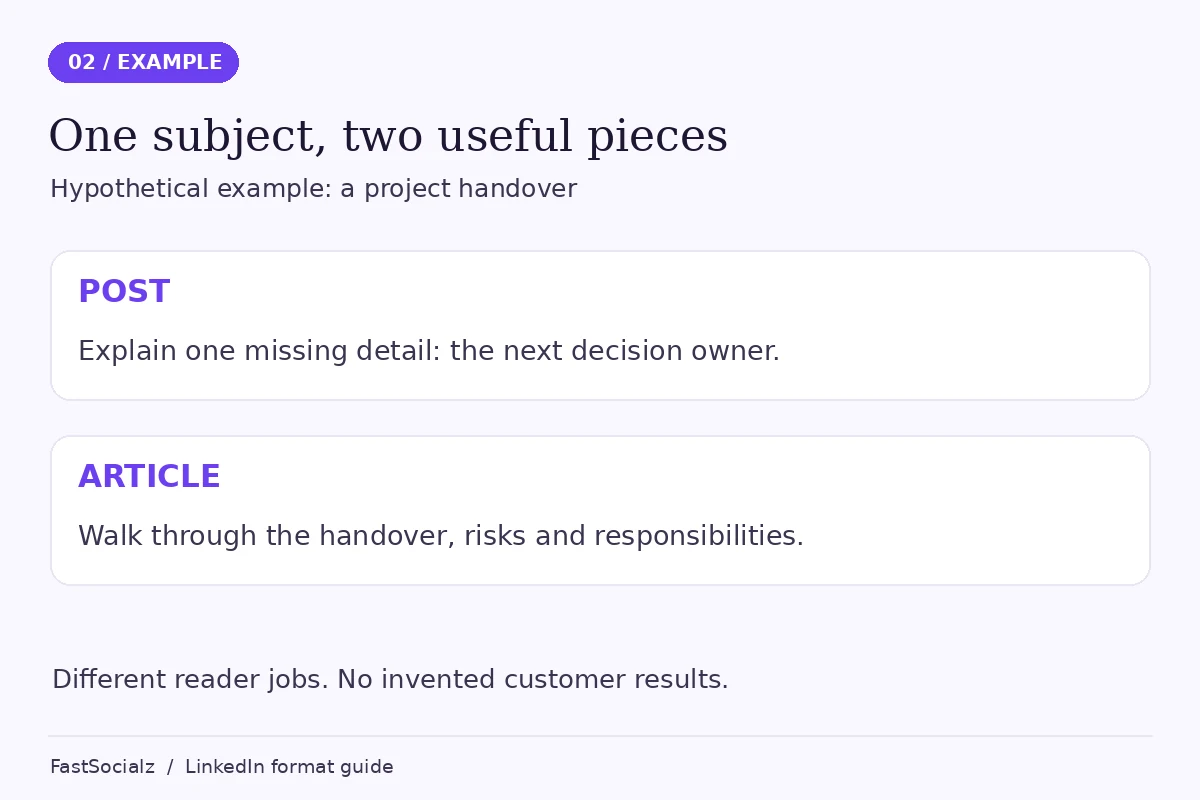
For example, consider this explicitly hypothetical situation: a team lead wants to share one question that makes handovers clearer. The post could explain why “Who owns the next decision?” is more useful than a vague request to “keep everyone updated.” A short example can show the difference. The reader doesn’t need a complete operations manual to try that question.
That is a complete small idea. It has a point even if nobody follows a link or leaves a comment.
Give the opening a specific job
The first sentence should help the intended reader recognize the situation. You don’t need a dramatic confession or a claim that everyone else is wrong. Naming the practical difficulty is often enough.
After that, include the detail that makes the advice usable. If you recommend a better question, show the question. If you suggest changing a process, name the step. General encouragement tends to take up space without helping someone act.
A focused ending can invite people to describe how they handle the same issue. It needn’t ask for comments, follows, shares and a meeting all at once.
Know what short writing can leave out
The limitation is compression. A post about a complex decision can sound more certain than the evidence allows because the caveats were cut during editing.
If your draft repeatedly says “it depends” but never explains what it depends on, the reader needs more context. That may mean a narrower post rather than a longer article. Try reducing the question before increasing the word count.
A post can also introduce another resource. LinkedIn’s content-format definitions describe feed posts as content that can include media and links. Make the introductory post useful in its own right, and make the linked destination deliver the promised explanation.
When an article earns the extra space
Choose an article when the reader needs a connected explanation: what the problem is, how to approach it, what an example looks like and where the method can fail.
A guide to project handovers might need to separate responsibilities, open decisions, access requirements and unresolved risks. Those are related parts of one task. Putting them into sections helps a reader find the part they need without pretending the whole subject fits into one tip.
The article should still have a narrow purpose. “Everything about leadership” is difficult to finish and difficult to use. “How to hand over a project when the next owner hasn’t been hired” gives the writing a clearer boundary.
Use structure to reduce effort for the reader
Headings should describe decisions or questions, rather than label every section “Introduction,” “Benefits” or “Conclusion.” Put the answer close to the beginning, then explain it.
Keep examples beside the advice they clarify. A long opening story can delay the practical material; several unrelated examples can make the article feel less focused. One carefully explained situation is often more helpful than a collection of brief name-checks.
An article also gives you room to distinguish an observation from a recommendation. Explain what is documented, what you infer and what you suggest trying. More space is valuable when you use it to make those distinctions clearer.
Allow for editing and upkeep
LinkedIn’s article-publishing guide documents a desktop editor with formatting, links and media, plus preview and draft-sharing options. It also documents SEO title and description settings. These are tools for presenting the work, not assurances that search engines will index or rank it.
Treat preparation time as part of the format decision. Who will check the examples? Do you have permission to discuss the situation? If the piece contains a changing process, who will revisit it?
A short article with one well-supported explanation is preferable to a long draft padded with broad advice. You’re choosing room to be useful, not a requirement to be exhaustive.
Where a newsletter fits
A newsletter is a recurring publication whose editions are articles. It adds a continuing subject and a subscription relationship to the editorial decision. That makes it a different commitment from choosing where to publish one idea.
If you already have several related questions for the same audience and can maintain a schedule, read our LinkedIn newsletter setup guide. If you have one substantial explanation, a standalone article may be enough.
Don’t create a recurring publication simply because the first draft is long. Decide whether the next few editions deserve to exist before promising them to readers.
A hypothetical example: one subject, two useful pieces
Imagine a hypothetical operations consultant preparing content about project handovers. This is an illustrative planning exercise, not a client case or a prediction of results.
The article answers: “What should a handover include when the next owner is still undecided?” It walks through the situation, separates urgent decisions from background information, and includes a sample handover outline.
The accompanying post answers a smaller question: “Which missing detail makes an otherwise tidy handover hard to use?” It focuses on naming the next decision owner, explains one example and points interested readers toward the fuller guide.
The post doesn’t paste the article’s first five paragraphs. It offers a separate useful entry point. The article doesn’t repeat the post at greater length; it supplies the context and tools the smaller piece couldn’t reasonably include.
You can reverse the order too. A focused post may reveal a question worth explaining in depth. Treat that response as editorial input, not proof that a longer article will perform well. A few comments can suggest a topic without establishing broad demand.
Common mistakes when choosing a format
Picking a winner before defining the task
“Which gets more reach?” leaves out the audience, subject, account and quality of the actual work. This comparison doesn’t contain a controlled test, so it can’t name a universal distribution winner.
Choose what you want to learn instead. Perhaps you need to know whether the audience understands a specific problem, or whether a detailed explanation helps people ask better questions. Those are more actionable than assuming one format is always superior.
Using length as a substitute for evidence
More paragraphs don’t strengthen an unsupported claim. Check the source, show the reasoning and remove the claim if you can’t support it. The same rule applies to a single-sentence post.
Be especially careful with hypothetical scenarios. Label them before presenting the details, and don’t give them invented performance outcomes that make them look like customer evidence.
Comparing unlike numbers
Use the definitions shown in your current analytics. A display, an opening and a meaningful enquiry answer different questions. Don’t describe all of them as people who read or benefited from the piece.
If the problem is attention without profile interest, our guide to LinkedIn impressions without profile views examines that separate issue. Changing the format alone won’t explain a mismatch between your subject and your profile.
Publishing the same draft twice
Reusing research can save work, but identical copy in two formats rarely gives the reader a new reason to spend time with it. Decide what the short piece can resolve and what belongs in the longer resource. Let each have a complete purpose.
A practical way to choose your next format
Start with one idea you already have, not a new calendar full of commitments.
- Write the reader’s question in one sentence.
- Draft the shortest complete answer, including any necessary qualification.
- Check whether an example or sequence is essential to using the answer.
- Choose a post if the answer stands alone; outline an article if several connected sections are necessary.
- Review the evidence and remove details that don’t help the reader’s task.
- Decide what feedback would help you improve the next piece.
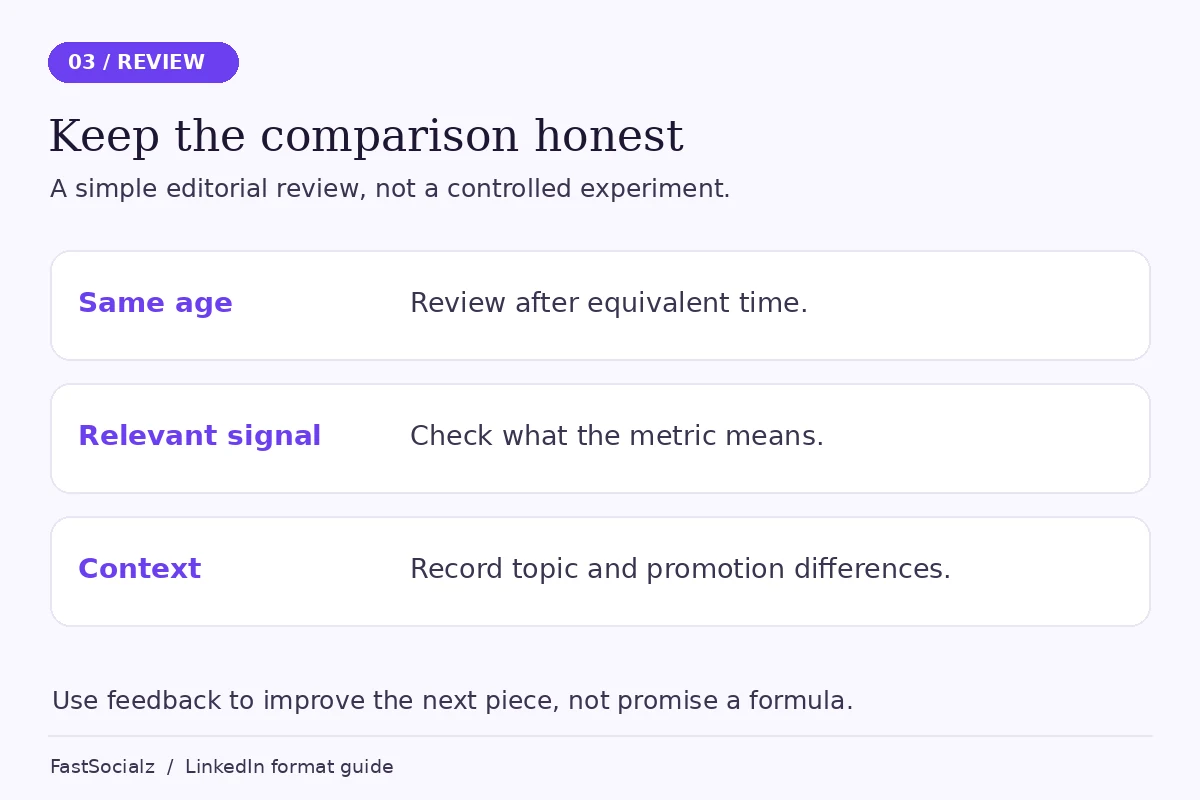
For a small editorial review, record the topic, format, publishing date, preparation time and relevant feedback. Compare pieces after equivalent amounts of time, and note differences in subject and promotion. This is a learning record, not a clean experiment that isolates format as the cause.
Keep the first review manageable. One useful observation about unclear wording or an unanswered question can improve the next draft. You don’t need a sweeping conclusion about the algorithm.
If you’re also considering support for your broader presence, review FastSocialz’s LinkedIn growth service. Keep that decision separate from the content work: a service doesn’t replace clear ideas, careful editing or a useful reason to read.
Frequently asked questions
Is a LinkedIn article just a long post?
No. They use different publishing formats. Articles provide a dedicated editor and room for structured long-form material; posts are shared through the feed. Length alone isn’t the best reason to choose between them.
Do articles automatically get better search rankings?
No. LinkedIn provides article SEO settings, but those controls don’t establish that a particular article will be indexed or rank. Use them to describe the page accurately, not to promise a search outcome.
Should I publish an article and a post on the same subject?
You can, when each serves a distinct purpose. A focused post can explain one point while an article supplies a fuller process or example. Avoid repeating the same introduction without adding value.
Do I need a newsletter to publish an article?
No. LinkedIn’s editor lets you choose an individual article or an edition of a newsletter you already have. A newsletter is appropriate for a recurring subject, not a prerequisite for one article.
Sources and scope
This comparison uses LinkedIn’s official format definitions, posting-versus-publishing comparison and article editor documentation, checked on 13 November 2026. The workflow suggestions are editorial recommendations. No audience experiment, reach benchmark or customer outcome is claimed.
Choose the smallest format that lets you answer the reader’s question properly. If that’s a post, stop when the idea is complete. If it’s an article, use the extra space for explanation the reader actually needs.
Written by the FastSocialz Editorial Team. Browse more LinkedIn guides.